Professional services
Need expert help? RAGcon GmbH offers:
- RAGflow Support
- RAGflow Hosting
- Moodle Support
Moodle RAGflow Suite
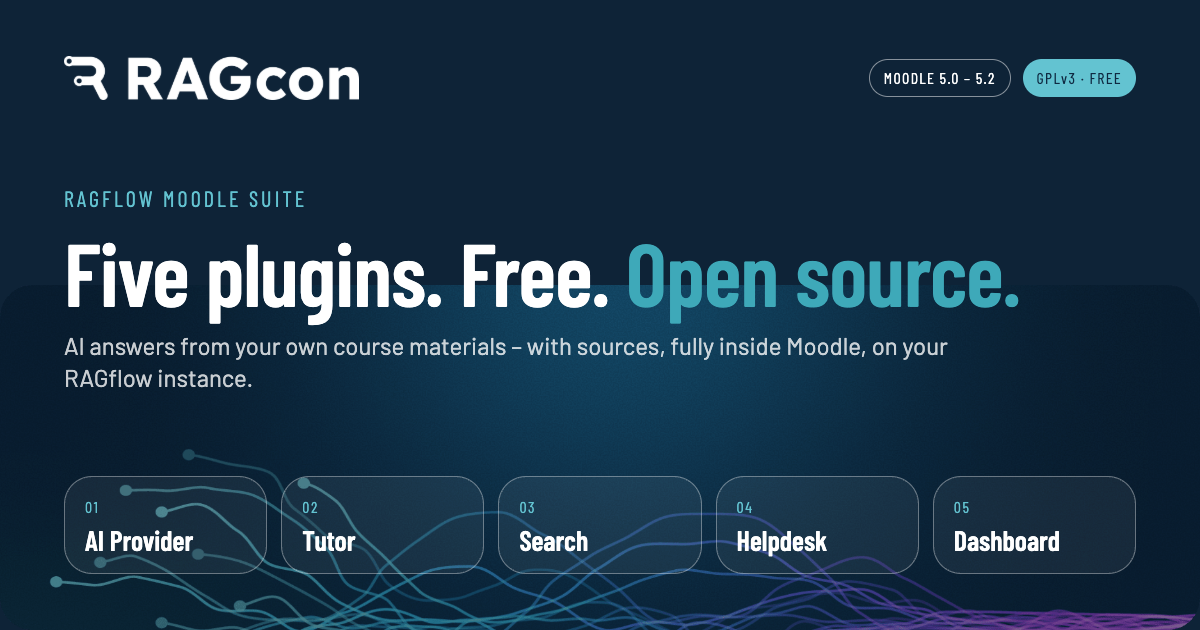
The Moodle RAGflow Suite connects Moodle to a RAGflow instance so teachers and students can ask questions and get answers based on your own documents (retrieval-augmented generation). Everything runs inside Moodle — there is no separate portal and no extra sign-up. An administrator connects the suite to RAGflow once, centrally; after that, trainers and students simply use it.
It is built on Moodle's AI subsystem: a single AI provider connects to RAGflow, and several blocks and placements use it. Because the RAGflow instance is yours — self-run or hosted by RAGcon — your data and the choice of AI models stay under your control, and every answer is grounded in your own content and cites its sources. RAGflow even reads scanned pages, images and tables, not just plain text — see Document understanding.
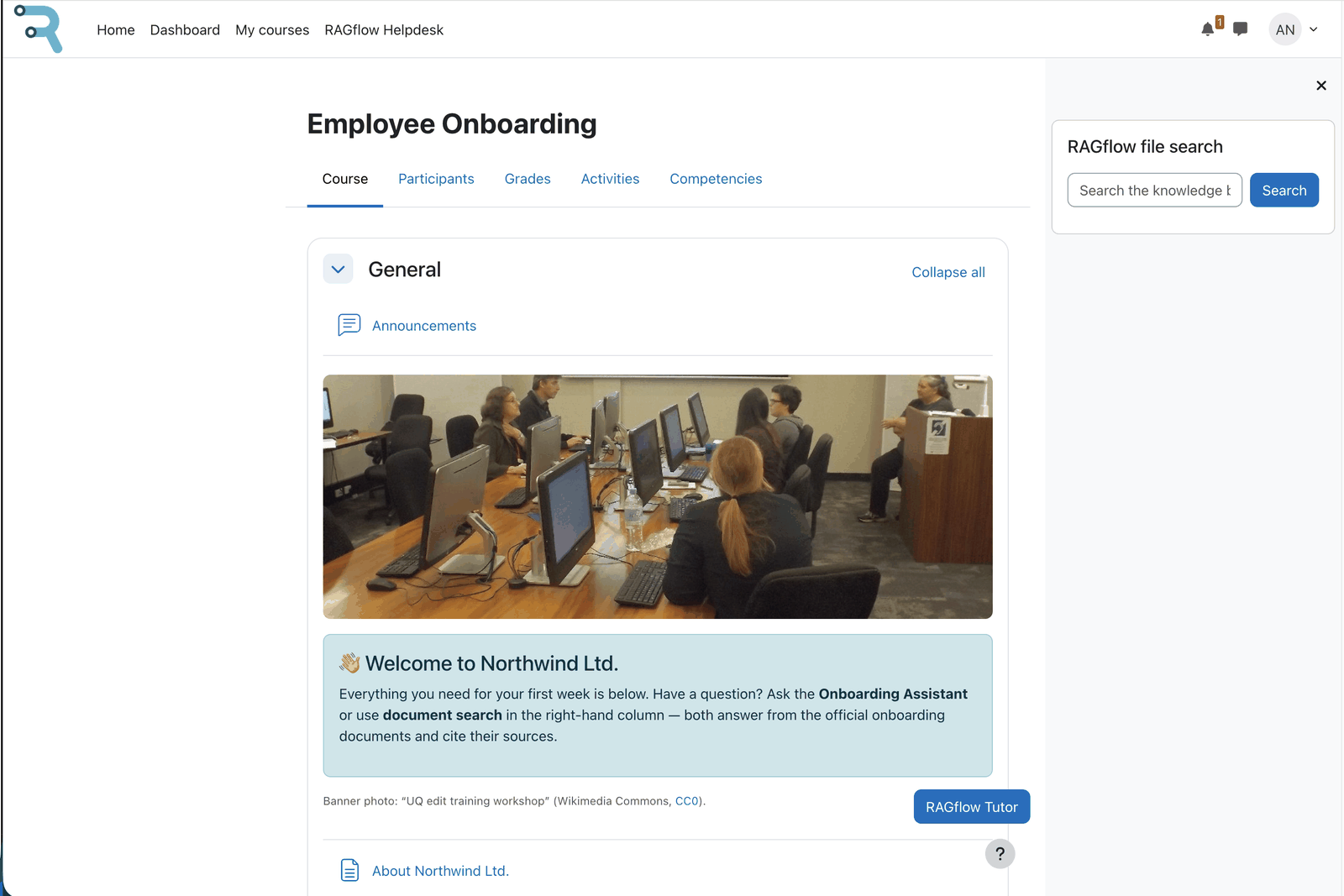 The RAGflow suite in a course: Tutor block and Search block side by side.
What's in the suite
| Plugin | Type | What it does |
|---|---|---|
| AI provider (RAGflow) | aiprovider_ragflow |
The backend. Configured as an AI-provider instance; provides chat, search, sources and (optional) conversation and long-term memory using RAGflow. Every other plugin depends on it; it has no dependencies of its own. |
| Tutor block | block_ragflowtutor |
A per-course tutor chat with its own knowledge base (upload course documents, ask questions). |
| Search block | block_ragflowsearch |
A knowledge-base search box that returns ranked source documents. |
| Helpdesk placement | aiplacement_ragflowhelpdesk |
A site-wide help chat, reached from the site's More menu. It answers from a central knowledge base. |
| Usage dashboard | local_ragflowdashboard |
Admin KPIs, charts and logs of usage and failures (metrics only; optional debug capture). An optional add-on; the other plugins work fully without it. |
Requirements
- Moodle 5.0, 5.1 or 5.2 (PHP 8.1–8.3; PostgreSQL or MariaDB/MySQL) — see Moodle version specifics.
- A reachable RAGflow instance, version 0.25 or later, and an API key (self-hosted or hosted). The suite is a client for RAGflow. It does not bundle or run RAGflow itself. RAGflow 0.25 added the native Memory API used by the optional long-term memory, so it is the supported baseline. The core retrieval and chat features also work on earlier versions.
- Ability to install plugins (site administrator).
Install order (important)
The provider is a dependency of every other plugin, so install it first:
aiprovider_ragflow(the provider)aiplacement_ragflowhelpdesk,block_ragflowtutor,block_ragflowsearch(in any order)local_ragflowdashboard(optional; consumes the provider's usage events)
Next steps
- Set up RAGflow — connect Moodle to your RAGflow instance and create a knowledge base + assistant.
- Enable the plugins you want (tutor, search, helpdesk, dashboard).
- See the user guides for day-to-day use — for administrators, trainers and students.
Development
Developed by RAGcon GmbH
The Moodle RAGflow Suite is developed with the help of a range of AI tools, under the professional supervision of the RAGcon GmbH team — pairing fast, AI-assisted development with human review, automated testing and security checks before every release.
Built on Moodle and RAGflow
The software this suite builds on
Moodle is software by Moodle Pty Ltd, released under the GNU GPL v3 or later.
- Source: https://github.com/moodle/moodle
- Bug tracker: https://moodle.atlassian.net/jira/projects
The word Moodle and associated Moodle logos are trademarks or registered trademarks of Moodle Pty Ltd or its related affiliates.
RAGflow is open-source software by InfiniFlow Inc., released under the Apache License 2.0.
- Web: https://ragflow.io
- Source: https://github.com/infiniflow/ragflow
- Bug tracker: https://github.com/infiniflow/ragflow/issues
This suite is an independent integration; it is not affiliated with or endorsed by Moodle Pty Ltd or InfiniFlow Inc.
Note: This documentation was created with the help of AI. Spotted an error, an omission, or something unclear? Please report it in the ragcon-docs GitHub repository so we can fix it.